myQ App Displays Offline
If your myQ device appears to be offline and cannot be controlled via the myQ app, there are several things that could be causing this including:
- No power to the myQ Hub (myQ Garage, Smart Garage Hub, Smart Garage Control) - Make sure that your device is plugged into a working outlet.
- The myQ Hub is not connected to the router - Try unplugging your router or modem from its power outlet. Wait 10-15 seconds and plug it back in.
- The router is not connected to the internet - Check with your internet service provider to see if your internet connection is down.
- Did you change your network settings or Wi-Fi password? Did you replace your router? See How to Clear the Wi-Fi Settings on a myQ Wi-Fi Product to clear your current Wi-Fi settings and How to Reconnect to myQ after Replacing the Router or Changing the Router Settings to change your Wi-Fi settings.
Smart Garage Hub or Smart Garage Control Appear Offline
Check the LED status on your Smart Garage Hub or Smart Garage Control. For more information on the LED status, see Unable to Connect a myQ Garage, myQ Smart Garage Hub, or Smart Garage Control to Home Wi-Fi Network Overview and scroll down.
myQ Garage
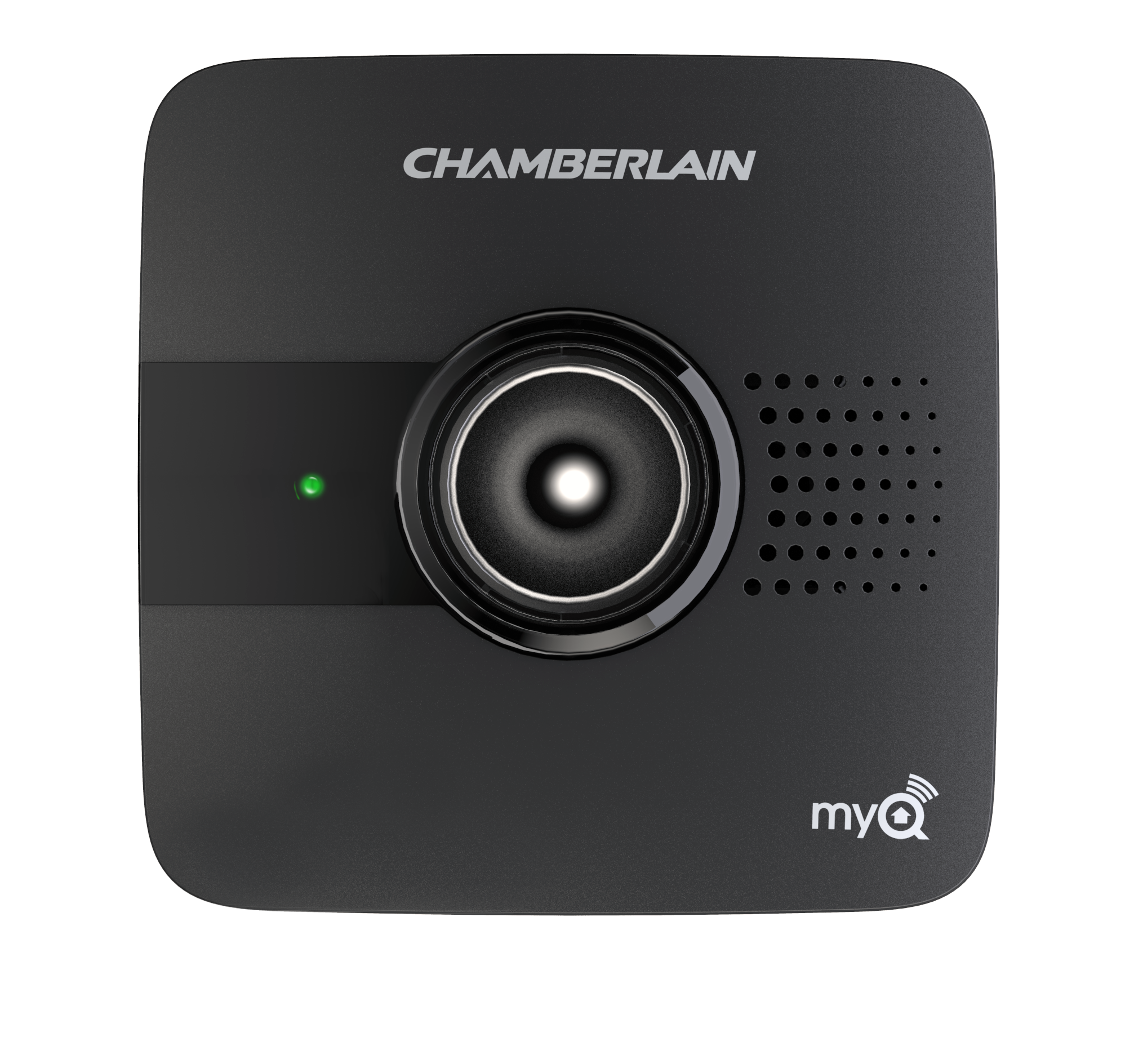
myQ Smart Garage Hub
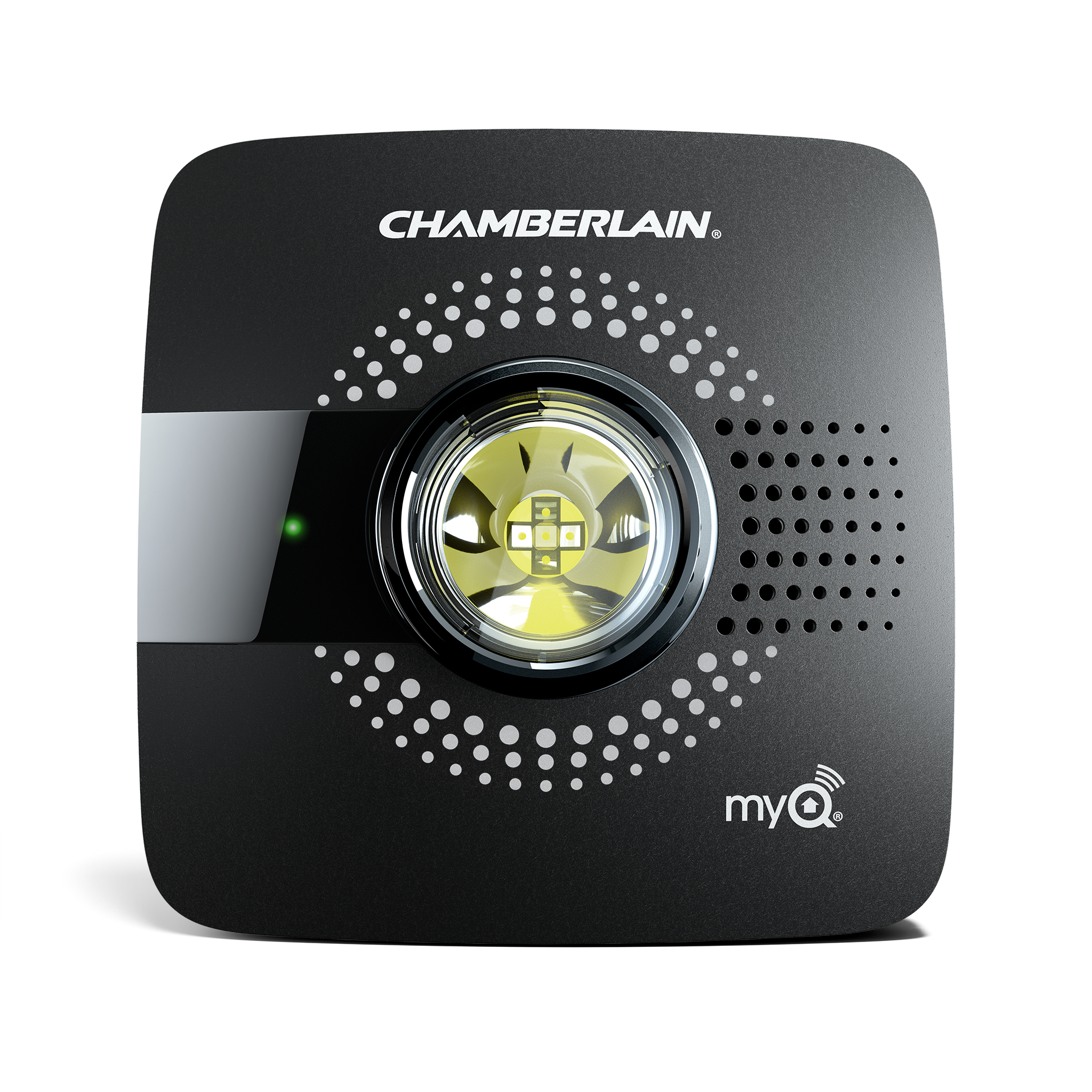
Smart Garage Control
Wi-Fi Garage Door Opener
Check the LED status on the Wi-Fi Garage Door Opener (ceiling mounted). For more information, see Unable to connect the Wi-Fi Garage Door Opener to home Wi-Fi network Overview and scroll down.
Check the LED status on the Wi-Fi Garage Door Opener (wall mounted). For more information, see Unable to connect the Wi-Fi Garage Door Opener to home Wi-Fi network Overview and scroll down.
https://support.chamberlaingroup.com/s/article/MyQ-App-Displays-Offline